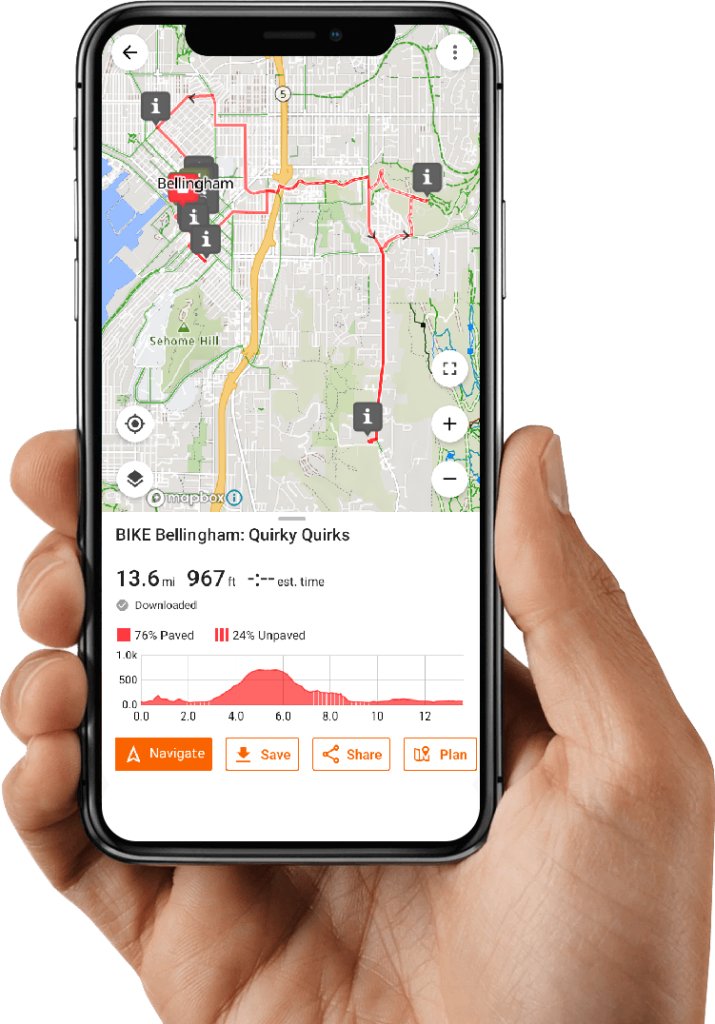
Browse the ride guides to read an overview of each ride. Choose the ride that tickles your fancy, and then send the ride guide to your Ride with GPS app.
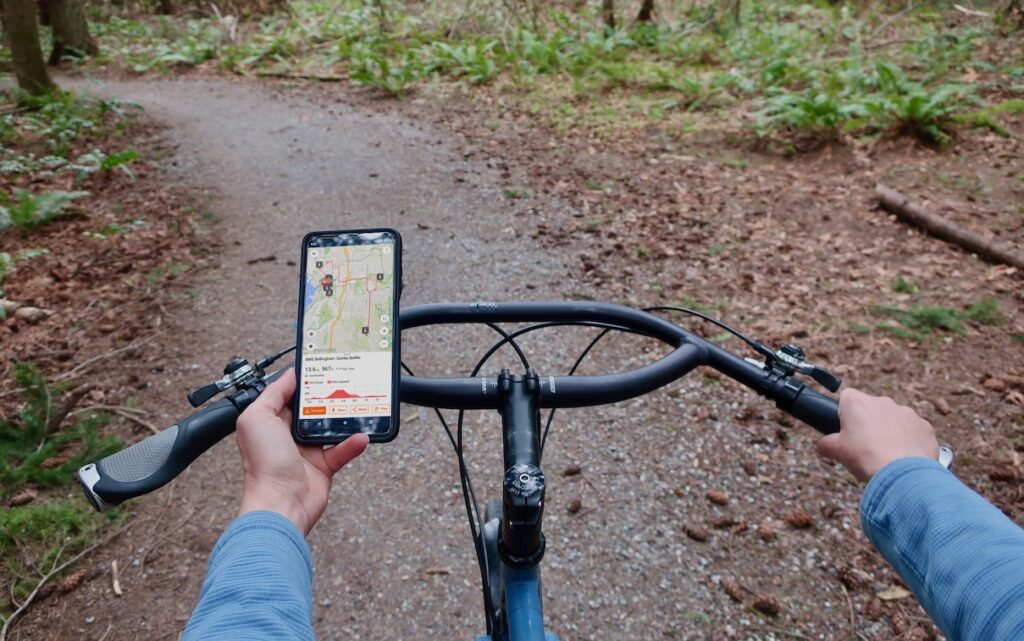
Grab your bike and head to the start of the route. As you pedal, use Ride with GPS to navigate the route using turn-by-turn instructions. When you arrive at a point of interest, click on the map to learn more.